Resetting an Apple Watch without an iPhone: how to do it
Written by Pavel MaksymenkoLast updated: 10 July 2026Reading time: 3 min

No longer have access to the iPhone your Apple Watch was paired with? No need to panic: you can simply reset the watch and pair it with another iPhone. Here’s how it works.
When do you need this?
- Your iPhone is lost, stolen or damaged and you want to use the Apple Watch with a new device.
- You’re selling or giving away your Apple Watch and want to erase your personal data first.
- The watch is acting up: apps crash, the clock freezes, functions stop responding.
- You’ve forgotten the passcode of the iPhone the watch is paired with.
In all these cases, a factory reset brings the watch back to its out-of-the-box state. After that, you pair it again, with any iPhone.
What do you need?
Have this ready before you start:
- your Apple Watch
- the matching charging cable
- a power outlet
- a stable wifi connection
Have you ever made a backup? You can restore it after the reset. Without a backup, you start with a clean watch.
How to reset your Apple Watch
- Turn off the watch. Hold down the side button on the right until the red slider appears, swipe it to the right and wait until the screen turns black.
- Start recovery mode. Connect the charging cable, hold down the side button again while the watch is charging, and keep holding it. After a few seconds you’ll see the Apple logo, followed by a spinning globe with a rope underneath. Only then let go.
- Connect to wifi. Swipe from left to right, tap your network and enter the password.
- Erase all content and settings. Swipe from left to right again to the recovery menu and choose "Erase All Content and Settings". Confirm, and wait until the progress bar under the Apple logo is completely full.
- Pair again. Follow the on-screen instructions to pair the watch with a (new) iPhone, as if it just came out of the box.
If resetting isn’t enough
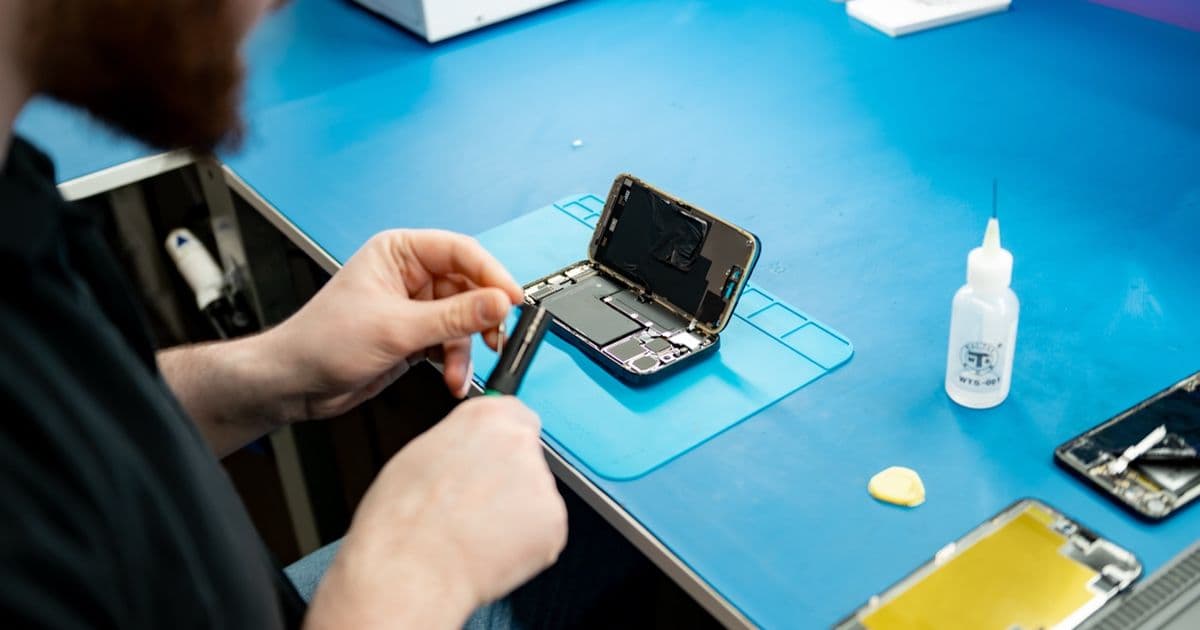
Does the watch still freeze after a reset, does it no longer charge, or is the screen damaged? Then the problem isn’t in the software but in the hardware, and no reset will fix that.
In that case, bring the watch to us in Antwerp or Wolvertem. If you live further away, many customers mail in their device. We work with a fixed price per model, so you know where you stand in advance.
Do I lose my data with a factory reset?
Yes. A reset erases all data and settings on the watch. If you made a backup via the Watch app, you can restore it after pairing. Without a backup, you start with an empty watch.
Can I pair my Apple Watch with any iPhone after a reset?
Yes. After the reset, the watch behaves as if it just came out of the box. You follow the on-screen instructions and pair it with the iPhone you want.
My Apple Watch doesn’t respond while resetting, what now?
Does the screen stay frozen or does the side button do nothing? First charge the watch fully and try the steps again. If nothing changes, the problem is often in the button or the logic board. You can’t fix that yourself; bring the watch in and we’ll take a look.
With these steps your Apple Watch is ready for use again, with or without the old iPhone.
Not nearby? Send in your device
Choose a FIXNOW shipping label, with extra protection if you want, or send it yourself with track & trace. You only pay after the repair. Available from Belgium, the Netherlands, France, Germany and Luxembourg.

Written by
Pavel Maksymenko · Owner of FIXNOW
Pavel Maksymenko is the owner of FIXNOW, with shops in Antwerp and Wolvertem. Trained as an electronics and ICT engineer, he has more than 15 years of experience repairing electronics. On this blog he writes about what the team sees every day in the workshop while repairing smartphones, tablets and laptops.
See our tips more often on Google?
Add FIXNOW to your preferred sources to see more of our articles in Google Search.