iPad no longer charging: how to find the cause
Written by Pavel MaksymenkoLast updated: 7 September 2026Reading time: 3 min
What is going on with your iPad?
What exactly does your iPad do?
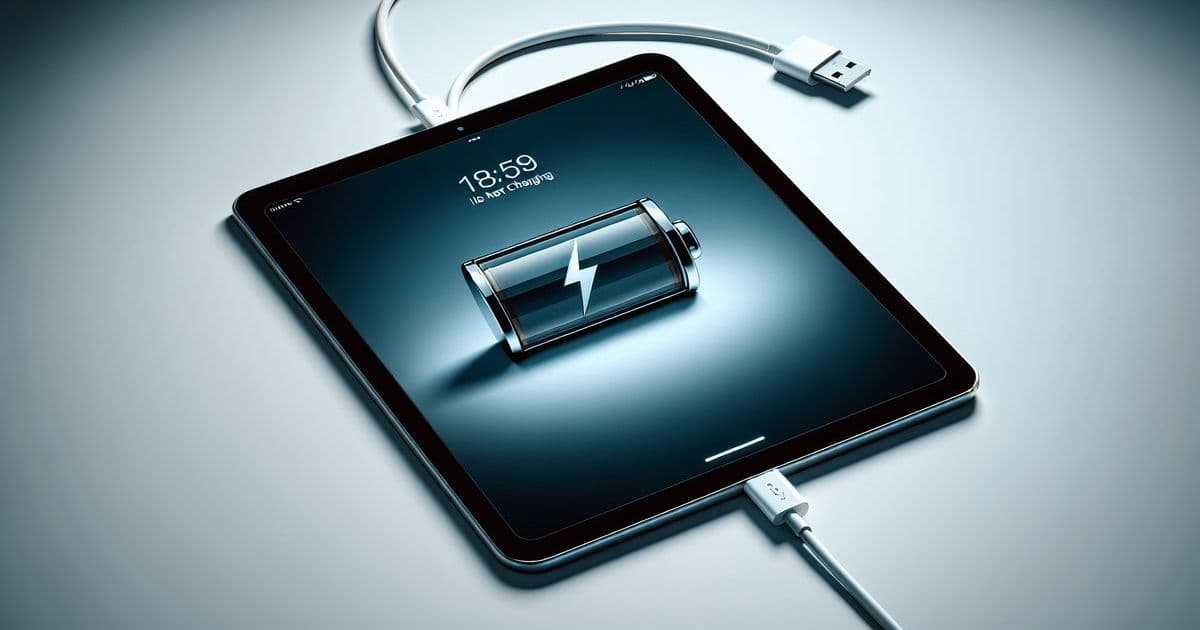
Your iPad is no longer charging and you don’t know whether it’s the cable or the device itself. Usually you can rule out the simple causes yourself first. Often that’s already enough.
Where the problem usually lies
With an iPad that isn’t charging, the problem usually lies in one of these three things:
- The cable. Cables wear out, tear or come loose at the plug. You often can’t see a broken cable from the outside.
- The charging port. Dust and lint build up in the port and cause poor contact between the cable and the iPad.
- Software. Sometimes the iPad gets stuck in a state where it does receive power, but charging doesn’t start properly.
Using a non-original charger? That can also be the culprit. It isn’t always matched to what the iPad needs for a stable charging current.
What you can try yourself
- Test a different cable. Connect the iPad with another, original cable. If it charges then, your own cable is the cause.
- Clean the charging port. First turn off the iPad. Carefully remove dust with a toothpick or some compressed air and check that nothing is stuck in the port.
- Restart the iPad. Model with home button: hold down the power button and the home button together until the Apple logo appears. Without a home button: hold down the power button and a volume button until the slider appears, turn off the iPad and then turn it back on.
- Use an original charger. This rules out a non-original charger or adapter causing the problem.
If the iPad still refuses after these steps, the problem runs deeper.
When it’s better to come to us
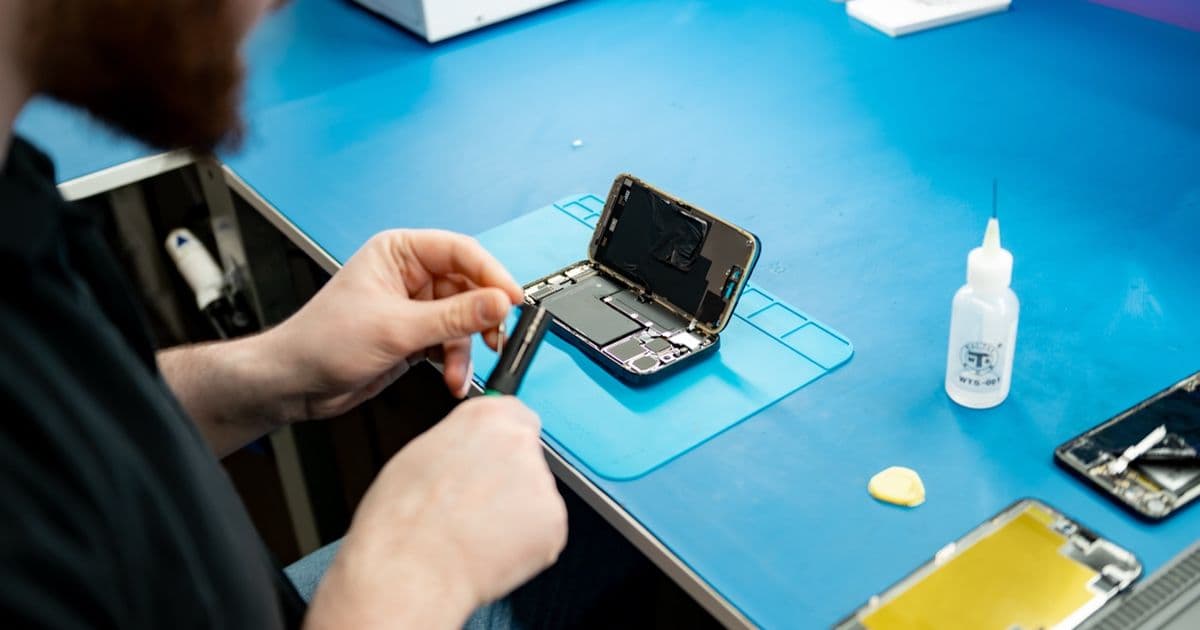
Is the iPad not responding at all anymore, or does it still not charge — or only very slowly — with a good cable and a clean port? That usually points to a worn battery or a faulty charging port. You won’t solve that at home: the device needs to be opened for that.
At FIXNOW we work with a fixed price per model, so you know where you stand in advance. You can come by in Antwerp or Wolvertem, or send in your iPad if that’s more convenient.
Why is my iPad no longer charging?
Usually due to a damaged cable, a dirty charging port, a non-original charger or a software glitch. If the problem persists after the steps above, it’s often the battery or the charging port itself.
My iPad does respond, but doesn’t charge. What now?
Start with a restart: that resolves software glitches that block charging. If that doesn’t help, test another original cable and clean the charging port. If the iPad still refuses afterward, the problem usually lies in the battery or the charging port.
My iPad charges slowly or not fully. Is the battery worn out?
With an older iPad that charges slowly or incompletely, a worn battery is a logical explanation. A depleted battery can’t be fixed at home — but we can help with that.
Can’t figure it out yourself? We’re happy to take a look at your iPad and find out exactly what’s going on.
Not nearby? Send in your device
Choose a FIXNOW shipping label, with extra protection if you want, or send it yourself with track & trace. You only pay after the repair. Available from Belgium, the Netherlands, France, Germany and Luxembourg.

Written by
Pavel Maksymenko · Owner of FIXNOW
Pavel Maksymenko is the owner of FIXNOW, with shops in Antwerp and Wolvertem. Trained as an electronics and ICT engineer, he has more than 15 years of experience repairing electronics. On this blog he writes about what the team sees every day in the workshop while repairing smartphones, tablets and laptops.
See our tips more often on Google?
Add FIXNOW to your preferred sources to see more of our articles in Google Search.