
iPhone, iPad and MacBook data recovery
Your iPhone, iPad or MacBook has stopped responding. It holds photos, videos and files that you have nowhere else.
4.961,945 Google reviewsLast updated: 7 September 2026
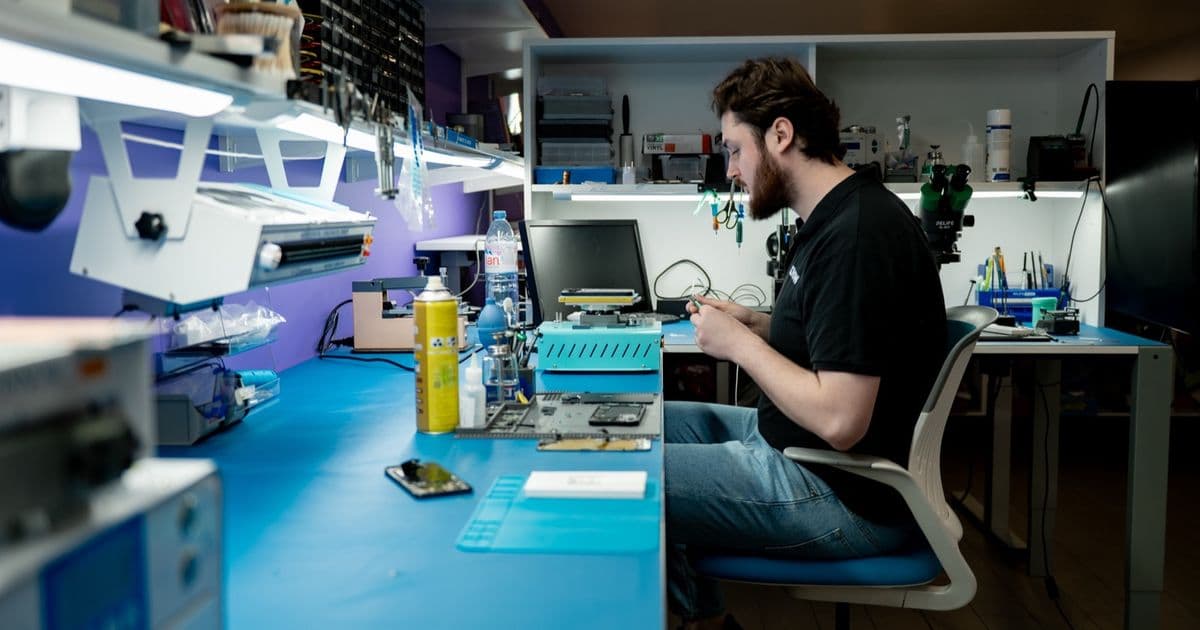
Your iPhone, iPad or MacBook has stopped responding. It holds photos, videos and files that you have nowhere else. That is usually the real worry: the data on the device, more than the device itself.
People mainly come to us after water damage, a black screen in the morning after charging overnight, a shutdown while gaming and, sometimes, an iOS update.
What to do now
Switch the device off and leave it off. Do not connect it to a charger.
Then visit us or send your device in. Either option is fine. You can book an appointment, but you do not have to: simply check our opening hours and drop in. If you live further away, sending it in works just as well, even if the device no longer starts.
One exception: if your device has just fallen into water and still responds, come in as soon as possible. The sooner a technician disconnects the battery, the less corrosion can develop.
Book an appointment · Addresses and opening hours · Send your device in
What we explain honestly at the counter
We do not make empty promises. We try first, then tell you what we find.
The chances are good as long as the memory chip, the NAND, and the processor are not damaged. If they are affected, the chances are lower. These two chips sit beneath a protective layer, which helps them survive corrosion in 90 to 95% of cases. In our workshop, we are unable to recover the data from about one device in twenty.
Diagnosis is free if we repair your device. If repair is not possible or you decide not to proceed, the completed diagnosis costs €39.
A device brought back from Egypt
A customer went swimming in Egypt with his iPhone 14 Pro Max with 1 TB of storage. He filmed underwater because he thought the device could withstand it. Afterwards, he noticed condensation in the front and rear cameras. A local repairer opened the device and said nothing more could be done: the salt had damaged the contacts. He was left without a phone on holiday.
Back in Belgium, he came to us. He wanted his data back, rather than the phone itself. He had no iCloud backup.
The logic board was almost completely eaten away by corrosion. We desoldered the processor, NAND, NFC and data chips and moved them to a donor board. That board started up. In a donor device, we could read the data. He later returned with a new device, and we transferred his data to it, including the underwater videos.
MacBook data recovery too
We regularly see MacBooks whose logic boards another repairer has already given up on. The request is always the same: at least get the files off; we can buy a new computer. The device may hold an assignment just before an exam or a work project that exists nowhere else. We can often save both: the data and a MacBook that works again afterwards.
On newer MacBooks, the SSD is soldered to the logic board. You cannot simply remove the storage and put it in another MacBook, or transfer it as you would on an iPhone: the memory chips are interconnected, paired with the processor and encrypted. That is why we work on the board itself. Usually, a single faulty component, damaged or shorted, prevents the device from starting. We repair the logic board, and once the MacBook starts again, your files are still there. Severe water damage makes the work more complex: there is no standard approach, and every case is different.
You can read more on our page about MacBook repair.
What to avoid
If liquid has entered the device:
- Switch the device off and leave it off. Do not turn it on again or charge it.
- Do not follow tricks from YouTube. Connecting it to iTunes will not help.
- Do not put it in rice or wait for it to dry by itself. The moisture inside has nowhere to go, and rice does not absorb that much moisture.
- Bring it to the workshop so a technician can disconnect the battery. As long as current flows through the circuit, the corrosion gets worse.
Read more on our page about water damage repair.
It is also better to avoid charging your device in the car, especially a diesel or petrol car. When you accelerate, electricity generation increases and the voltage fluctuates. This can damage the power-management IC and stop the device from starting. Non-original chargers can damage that chip too; we see many such cases. Use an original charger.
“Isn’t everything in iCloud?”
iCloud provides 5 GB of free storage, while devices today have 64 to 128 GB of storage or more. That is why “everything is in the cloud” is rarely accurate.
Our advice: choose an iCloud plan for the whole family, such as 2 TB. Everyone has their own share, and the combined cost is lower than paying separately. Then enable automatic backups so they run every day.
The same applies to a MacBook: keep what really matters in the cloud, using iCloud, Google Drive or another service, as well as on the device itself.
How long it takes
If soldering or transferring components to another logic board is needed, the work takes about a week on average, sometimes a little less. If no soldering is needed and the part is in our warehouse, where we keep a large stock, it is often ready the same day.
What you take home
Usually, we repair the logic board and return your own device to you. Using another device is a last resort, only when the repair would cost more than a new device, as with the customer who returned from Egypt.
Frequently asked questions
Will my data stay on the device during a routine repair? Yes. We do not erase anything during a screen, battery or other routine repair. Your photos, apps and contacts stay on your device.
My device was charging and now will not start. Can you still help? This is one of the most common reasons people come to us. We first investigate what is wrong. Diagnosis is free if we repair your device. If repair is not possible or you decide not to proceed, the completed diagnosis costs €39. We can only say more once we have examined it.
My device fell into seawater. Is it still worth trying? With fresh water, we save nine devices out of ten. With seawater, the chances are much lower: the salt crystallises under electrical current and the board corrodes. One option remains: transferring the components, including the memory chips, to another logic board. That gives us another chance to recover your data, but we cannot promise the result in advance.