
Nintendo Switch not charging: USB-C port repair
You plug the charger into your Nintendo Switch and nothing happens. Or the console charges only when the cable is at an angle. A known trigger is a third-party dock or charger, because it can damage the charging chip on the motherboard. It can also be the USB-C port that has come loose through daily use.
In Antwerp and Wolvertem, FIXNOW starts with a diagnosis: is it the port, the charging chip or the battery? You hear what is needed and what that repair costs before the work begins. Do you live far away? Then you ship the Switch yourself with track & trace.
Choose your model
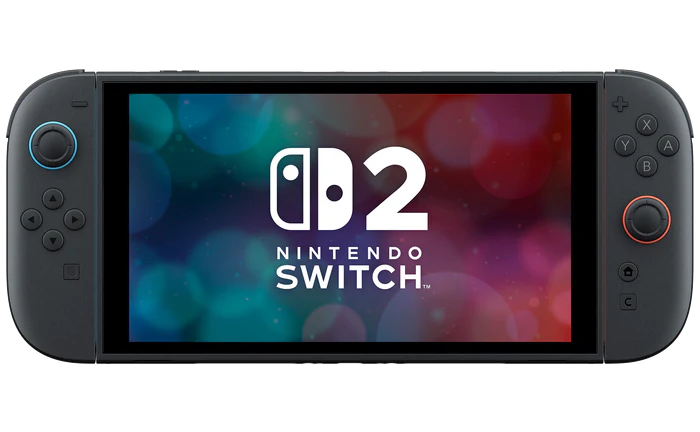 Nintendo Switch 2 (2025)from €119
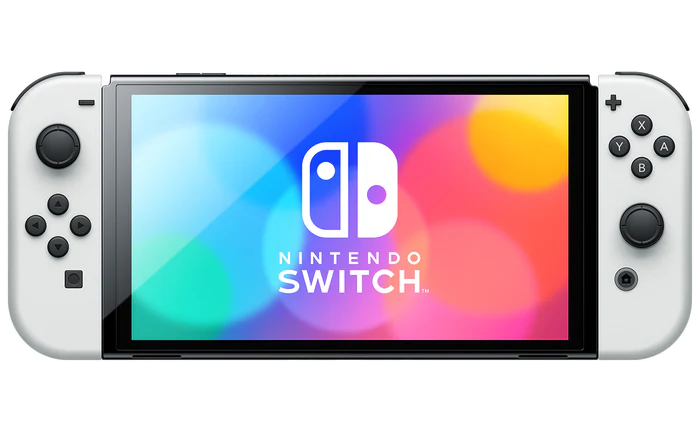 Nintendo Switch OLED (2021)from €99
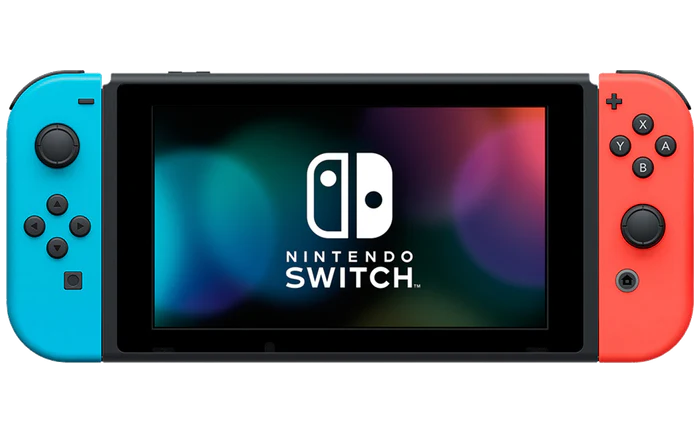 Nintendo Switch (2017/2019)from €89
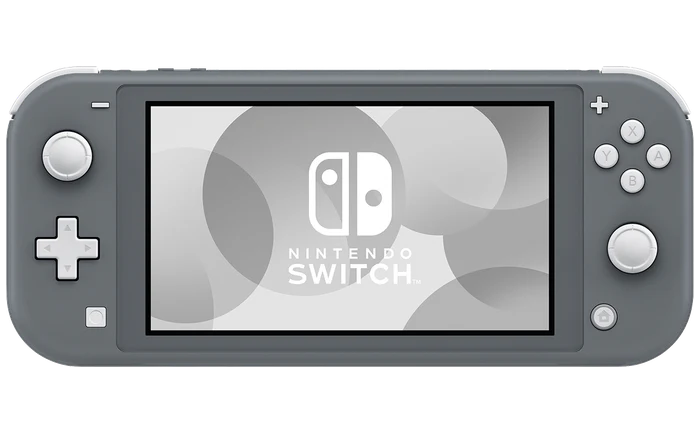 Nintendo Switch Lite (2019)from €79
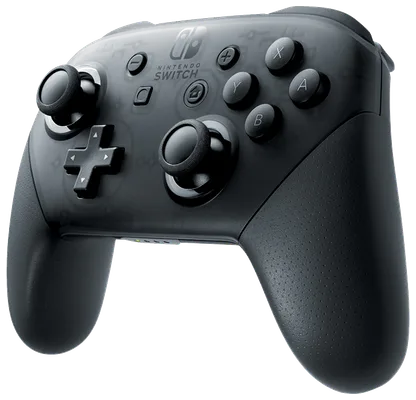 Nintendo Switch Pro Controllerfrom €49
Does this charging problem sound familiar?
- The Switch does not charge, however you swap cables or chargers
- Charging works only when the cable is at an angle or in one particular position
- The cable wobbles or sits loose in the port
- The console no longer responds to anything and seems empty
- The Switch does charge, but shuts off again quickly
- The problem began shortly after a third-party dock or charger came into use
USB-C port or charging chip: what is broken?
On the Switch, the USB-C port is soldered to the motherboard. If it comes loose or gets damaged, the port is replaced by micro-soldering. On the Switch 2 there is one port on top and one at the bottom.
The charging chip on the motherboard controls charging. If that chip is damaged, a new port will not help. The repair then takes place on the motherboard itself, also by micro-soldering.
A worn battery can also be the cause. That is why we examine the port, charging chip and battery separately before we replace anything.
Check yourself before you come by
- Test with another cable and charger, preferably one that came with the Switch
- Charge the console directly, without the dock
- Look into the USB-C port with a small light: lint or a crooked port can be seen without opening anything
- Leave the Switch on the charger for a while, because an empty battery sometimes only responds after a little while
- Does the console or the charger get noticeably warm while nothing is charging? Then unplug the cable and do not keep trying.
How FIXNOW examines a Switch that does not charge
Port, chip and battery separately
The port, charging chip and battery are examined separately from each other. That makes it clear where charging breaks down.
Costs and approval
Then come the explanation and the price. The soldering work begins only after you agree.
Soldering and charging test
After the repair, we charge the console and check whether charging stays stable, even when the cable moves.
Frequently asked questions
Why does my Switch no longer charge?
It can be one of three things: the USB-C port, the battery or the charging chip on the motherboard. During the diagnosis we determine which it is.
Can a third-party dock damage my Switch?
Such a dock or charger can damage the charging chip on the motherboard. The result is a Switch that does not charge or no longer turns on.
Can I replace the USB-C port of my Switch myself?
Better not: the port is soldered to the motherboard, and fitting a new one is work for a technician with the right equipment.
Does this also apply to the Switch Lite and the Switch 2?
Yes. The USB-C port is soldered on the Switch Lite and the Switch OLED too, and the Switch 2 has such a port on top and at the bottom.
How does FIXNOW know whether it is the port or the charging chip?
During the diagnosis we examine the port, the battery and the motherboard separately. That way we replace only what is broken.
Will my Switch be repaired if it no longer turns on at all?
We look into that, because even then the cause can be the battery or the charging chip. You hear the result before anything is replaced.
Our stores


FIXNOW Wolvertem
Wilgenlaan 19 bus 2, 1861 Wolvertem
Opening hours
+32 472 29 15 53