
Samsung tablet camera glass replacement
Photos with a haze over them, or that same streak of light in the same spot every time? Check the glass first. On most Galaxy Tabs that come to us, the damage is only in the protective glass above the lens. The camera underneath is usually intact.
That matters: replacing a loose piece of glass is a much smaller job than fitting an entire camera module. Below you can see how to spot the difference yourself and how we handle it at FIXNOW.
Choose your model
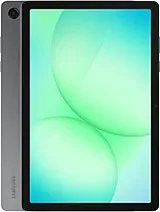 Galaxy Tab A11+from € 79
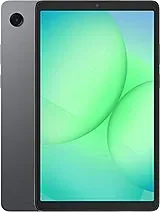 Galaxy Tab A11from € 79
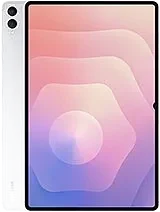 Galaxy Tab S11 Ultrafrom € 79
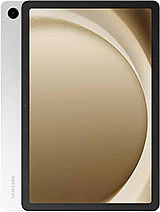 Galaxy Tab A9+from € 79
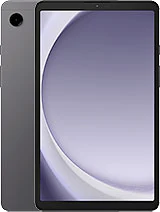 Galaxy Tab A9from € 79
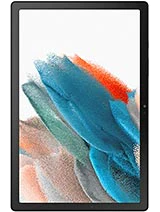 Galaxy Tab A8 (2022)from € 79
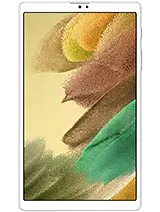 Galaxy Tab A7 Lite (2021)from € 79
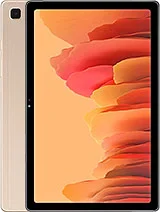 Galaxy Tab A7 (2020)from € 79
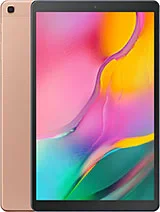 Galaxy Tab A 10.1 (2019)from € 79
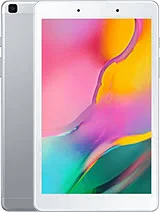 Galaxy Tab A 8.0 (2019)from € 79
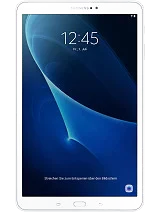 Galaxy Tab A6 10.1 (2016)from € 79
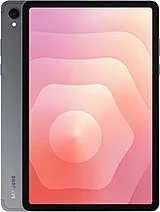 Galaxy Tab S11from € 79
 Galaxy Tab S10 Litefrom € 79
 Galaxy Tab S10 Ultrafrom € 79
 Galaxy Tab S10+from € 79
 Galaxy Tab S10 FEfrom € 79
 Galaxy Tab S10 FE+from € 79
 Galaxy Tab S9 Ultrafrom € 79
 Galaxy Tab S9+from € 79
 Galaxy Tab S9from € 79
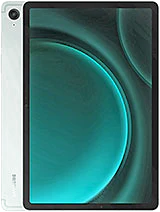 Galaxy Tab S9 FEfrom € 79
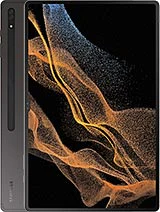 Galaxy Tab S8 Ultrafrom € 79
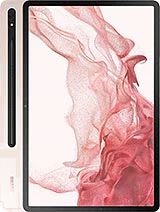 Galaxy Tab S8+from € 79
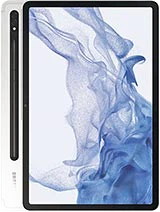 Galaxy Tab S8from € 79
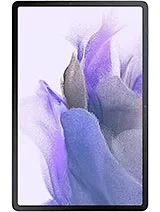 Galaxy Tab S7 FE (2021)from € 79
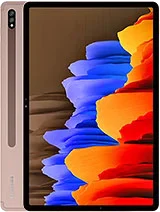 Galaxy Tab S7+ (2020)from € 79
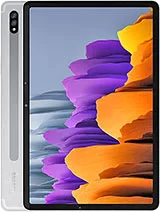 Galaxy Tab S7 (2020)from € 79
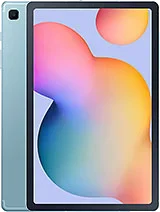 Galaxy Tab S6 Lite (2020)from € 79
 Galaxy Tab S6 (2019)from € 79
Recognize this? Check for yourself
Probably just the glass
- Photos are sharp as soon as you wipe the glass clean
- Held up to the light, you see a crack or scratch on the glass itself
- You can feel a sharp edge above the camera with your fingernail
- The camera app opens normally and autofocus locks on
Probably more than the glass
- Photos stay blurry or distorted, even after wiping
- Autofocus keeps hunting and never locks on
- The camera app won't start, or the device reports no camera found
- Every photo shows the same spot or shadow, even after cleaning
Which Galaxy Tab models
We replace camera glass on virtually every Samsung tablet: the Galaxy Tab A with a single rear lens, the Tab S series where models like the Tab S9 Ultra have two cameras side by side, and the rugged Galaxy Tab Active that often goes along to job sites. With two cameras, the glass panels sit separately. In that case, we only replace the glass that's actually broken.
On many Galaxy Tabs, the camera glass sits almost flush with the back panel. If the device is dropped, that exact spot takes the hit. And a tablet often passes through many hands, so that glass cracks more often than you'd think.
How we handle it
Diagnosis with test photos
We take photos in bright light and in a dark corner of the store. A damaged lens shows up most clearly in low light.
Removing the old glass
We loosen the edge and carefully lift the glass off, without deforming the housing. We cover the sensor to keep out dust.
Cleaning and fitting new glass
We clean the lens and edge free of dust, then bond the new glass flush, with no shadow at the edges.
Final check
We take test photos again, close up and at a distance, check sharpness and color, and record a short video. Only once everything checks out does the housing close.
Try it yourself? Better not to
Why we advise against DIY
- Was water involved? Then we check further than just the camera, since moisture works its way deeper into the device
- Prying the glass off without the right tools often damages the housing or the seal around the module
- A single speck of dust under the new glass shows up in every photo you take afterward
Choose your model
A Tab S with a dual camera needs different work than a Tab A with a single lens, so we work with a fixed price per model. Not sure if new glass is enough? Drop by in Antwerp or Wolvertem, or send in your tablet. We run a diagnosis first and tell you upfront what the repair involves. Choose your model above for the price and an appointment.
Frequently asked questions
Most smartphone repairs are ready within 60 minutes. For MacBooks and tablets the duration depends on the repair; you'll find the indicative time per repair in the price table. You can wait in the store or pick up your device later — we'll let you know as soon as it's ready.
Our stores

FIXNOW Antwerpen
Wiegstraat 13, 2000 Antwerpen
Today: 10:00–18:00
+32 469 44 22 19

FIXNOW Wolvertem
Wilgenlaan 19 bus 2, 1861 Wolvertem
Today: Closed
+32 472 29 15 53