
Samsung Galaxy Tab water damage repair
Did your Galaxy Tab fall in water, or get soaked in coffee or rain? Switch it off right away and don't charge it. Moisture attacks the circuit board: corrosion starts even while everything still seems to work fine, and keeps going as long as moisture remains inside.
We open your tablet, remove the moisture, and repair what the water has damaged. There's one thing we never promise upfront: the outcome. We only know that after the diagnosis, and you'll hear it honestly before anything happens.
Choose your model
 Galaxy Tab A11+from € 79
 Galaxy Tab A11from € 79
 Galaxy Tab S11 Ultrafrom € 79
 Galaxy Tab A9+from € 79
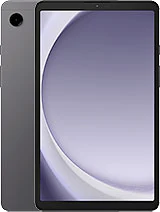 Galaxy Tab A9from € 79
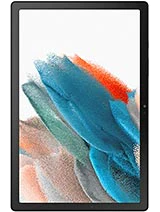 Galaxy Tab A8 (2022)from € 79
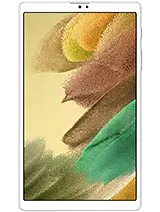 Galaxy Tab A7 Lite (2021)from € 79
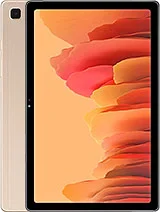 Galaxy Tab A7 (2020)from € 79
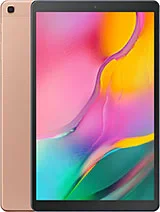 Galaxy Tab A 10.1 (2019)from € 79
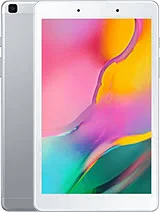 Galaxy Tab A 8.0 (2019)from € 79
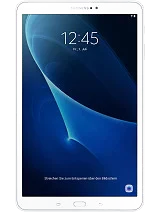 Galaxy Tab A6 10.1 (2016)from € 79
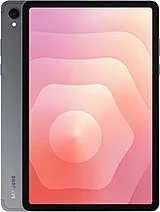 Galaxy Tab S11from € 79
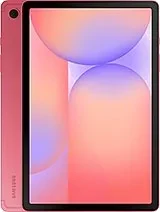 Galaxy Tab S10 Litefrom € 79
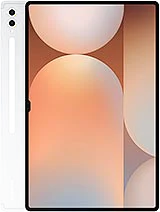 Galaxy Tab S10 Ultrafrom € 79
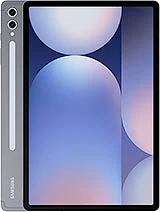 Galaxy Tab S10+from € 79
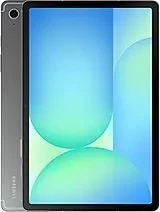 Galaxy Tab S10 FEfrom € 79
 Galaxy Tab S10 FE+from € 79
 Galaxy Tab S9 Ultrafrom € 79
 Galaxy Tab S9+from € 79
 Galaxy Tab S9from € 79
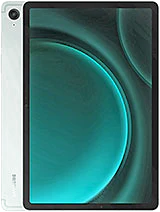 Galaxy Tab S9 FEfrom € 79
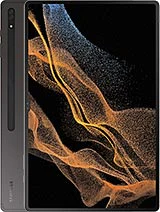 Galaxy Tab S8 Ultrafrom € 79
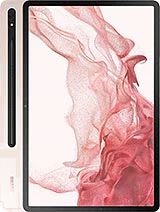 Galaxy Tab S8+from € 79
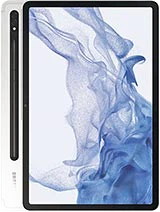 Galaxy Tab S8from € 79
 Galaxy Tab S7 FE (2021)from € 79
 Galaxy Tab S7+ (2020)from € 79
 Galaxy Tab S7 (2020)from € 79
 Galaxy Tab S6 Lite (2020)from € 79
 Galaxy Tab S6 (2019)from € 79
Recognize this? Check for yourself
Signs that moisture has reached the electronics
- Device won't start up anymore, or keeps restarting on its own
- Stains or a greenish haze on the screen
- Buttons that no longer respond
- Speaker sounds muffled or distorted
- Charging port no longer recognizes the cable, or you get a moisture warning while charging
A splash of rain or a wet table won't cause most tablets any trouble. A drop in the bath, the sea, or a bucket of soapy water is a different story: then the moisture sits directly against the circuit board, and every day you wait counts.
How we handle it
Cutting the power
We open the tablet and immediately disconnect the battery, so no current runs through wet circuits anymore.
Inspecting under magnification
How far has the water gotten: only the screen and housing, or also the circuit board with the processor and memory?
Cleaning
We clean the circuit board and connectors with isopropyl alcohol; for heavier corrosion we use an ultrasonic bath. Oxidation on the contact points eats in deeper the longer it stays.
Replacing what's needed
Only what no longer works after cleaning comes out: screen, charging port, chips, or capacitors, one at a time. Not the whole circuit board.
Testing under load
Startup, charging, display, touch, speakers, cameras, and buttons, all checked before you get the device back.
Which parts get damaged
The screen is made up of several layers; if moisture gets between them, a haze often remains that won't clear. The battery absorbs moisture through the foil around the cell and becomes unreliable, sometimes swelling slightly. The charging port takes most of the hits: that's where most moisture gets in and the pins corrode first.
The speaker and microphone sit close to the edge, where water seeps in first. Cameras can fog up if moisture stays trapped behind the lens; sometimes that clears during drying, sometimes it doesn't. If a part works normally again after cleaning, it stays in place. If something does need replacing, we fit original Samsung parts.
What you should do right now
Avoid these mistakes
- Don't charge or switch it on again while the device is wet: current through wet circuits causes short circuits
- Don't disconnect the battery yourself: with a damaged cell this can cause fire
- Don't blow compressed air into the charging port or speaker openings, that pushes moisture further inside
- No bowl of rice: it barely draws out moisture and rice dust gets lodged in the ports
Pat the outside dry with a soft cloth and bring the tablet in switched off as soon as possible. The shorter the moisture acts, the less corrosion and the more parts we can save.
Choose your model above
Water damage remains harder to predict than a cracked screen: a tablet can work flawlessly after repair and still develop issues later, because corrosion sometimes continues quietly. We tell you that honestly upfront. If you do get problems again, just come back.
Choose your Galaxy Tab model above for the fixed price per model. Drop by in Antwerp or Wolvertem, with or without an appointment, or send in your device.
Frequently asked questions
Most smartphone repairs are ready within 60 minutes. For MacBooks and tablets the duration depends on the repair; you'll find the indicative time per repair in the price table. You can wait in the store or pick up your device later — we'll let you know as soon as it's ready.
Our stores

FIXNOW Antwerpen
Wiegstraat 13, 2000 Antwerpen
Today: 10:00–18:00
+32 469 44 22 19

FIXNOW Wolvertem
Wilgenlaan 19 bus 2, 1861 Wolvertem
Today: Closed
+32 472 29 15 53