
Samsung charging port replacement
Your Samsung isn't charging anymore, charges slowly, or the cable doesn't click in properly. You often only notice it once the battery is nearly empty and the device doesn't respond to the charger. Annoying, but usually easy to fix.
On many Galaxy models, the charging connector sits on a separate charging board, apart from the rest of the electronics. That makes replacement quite manageable. And sometimes it isn't even the port, but the cable or the software. That's why FIXNOW always starts with a diagnosis and discusses the price, so you know where you stand before we start. The price per model is on this page.
Choose your model
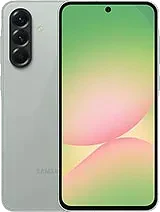 Galaxy A57from € 99
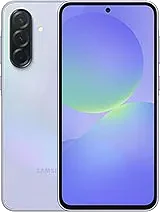 Galaxy A37from € 99
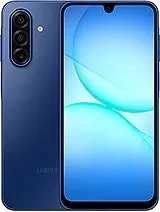 Galaxy A17from € 99
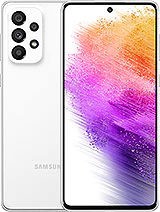 Galaxy A73 5Gfrom € 99
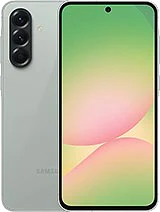 Galaxy A56 5Gfrom € 99
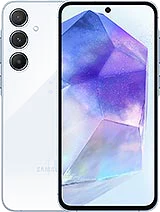 Galaxy A55 5Gfrom € 99
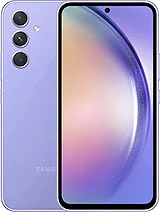 Galaxy A54 5Gfrom € 99
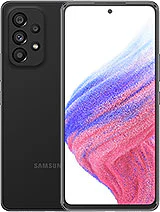 Galaxy A53 5Gfrom € 99
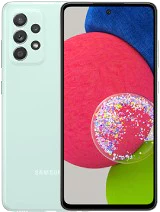 Galaxy A52s 5Gfrom € 99
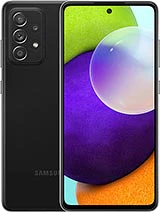 Galaxy A52from € 99
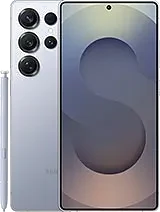 Galaxy S26 Ultrafrom € 99
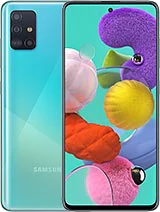 Galaxy A51from € 99
 Galaxy A50from € 99
 Galaxy A36 5Gfrom € 99
 Galaxy A35 5Gfrom € 99
 Galaxy A34 5Gfrom € 99
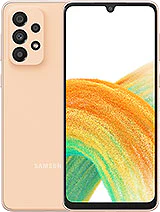 Galaxy A33 5Gfrom € 99
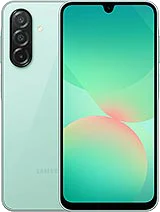 Galaxy A26 5Gfrom € 99
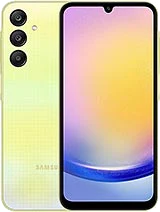 Galaxy A25 5Gfrom € 99
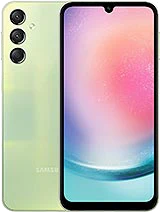 Galaxy A24from € 99
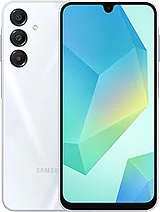 Galaxy A16 5Gfrom € 99
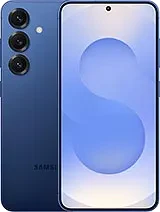 Galaxy S26 Plusfrom € 99
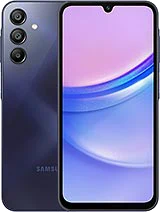 Galaxy A15from € 99
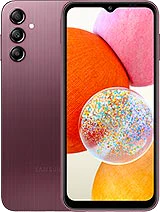 Galaxy A14from € 99
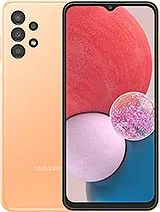 Galaxy A13from € 99
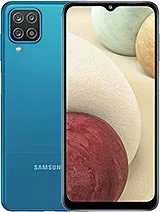 Galaxy A12from € 99
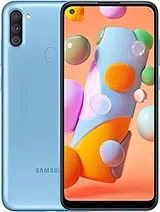 Galaxy A11from € 99
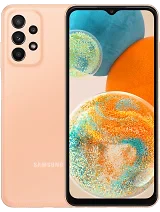 Galaxy A23 5Gfrom € 99
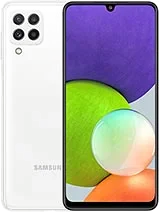 Galaxy A22from € 99
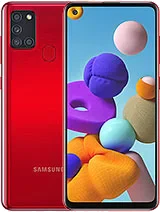 Galaxy A21sfrom € 99
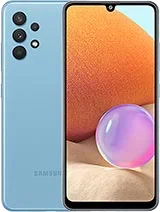 Galaxy A32from € 99
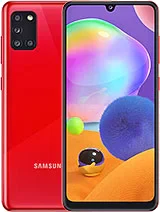 Galaxy A31from € 99
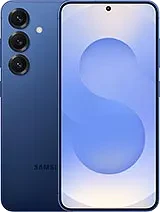 Galaxy S26from € 99
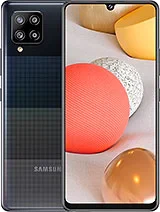 Galaxy A42 5Gfrom € 99
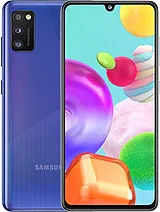 Galaxy A41from € 99
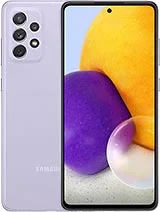 Galaxy A72from € 99
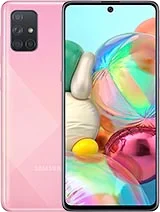 Galaxy A71from € 99
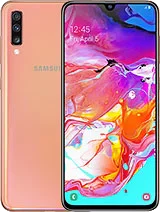 Galaxy A70from € 99
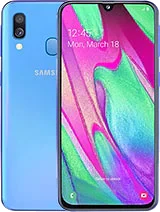 Galaxy A40from € 99
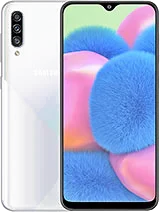 Galaxy A30sfrom € 99
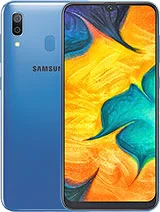 Galaxy A30from € 99
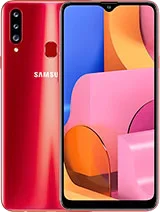 Galaxy A20sfrom € 99
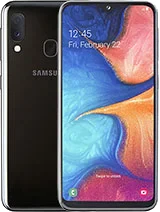 Galaxy A20efrom € 99
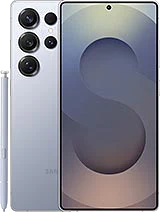 Galaxy S25 Ultrafrom € 99
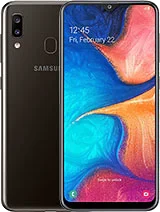 Galaxy A20from € 99
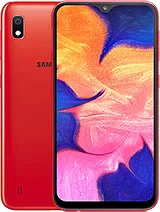 Galaxy A10from € 99
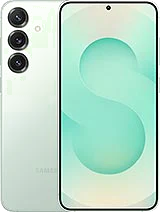 Galaxy S25+from € 99
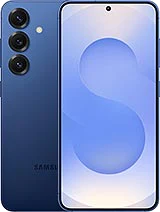 Galaxy S25from € 99
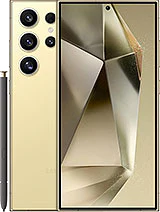 Galaxy S24 Ultrafrom € 99
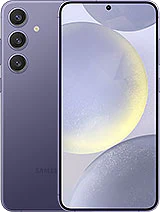 Galaxy S24+from € 99
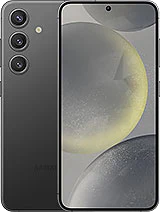 Galaxy S24from € 99
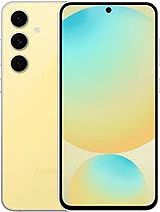 Galaxy S24 FEfrom € 99
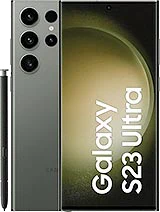 Galaxy S23 Ultrafrom € 99
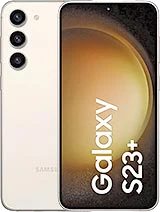 Galaxy S23+from € 99
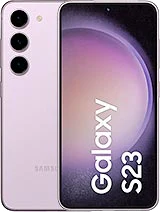 Galaxy S23from € 99
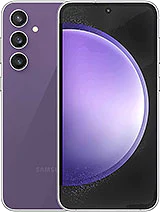 Galaxy S23 FEfrom € 99
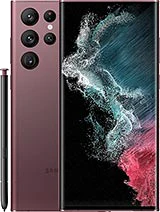 Galaxy S22 Ultrafrom € 99
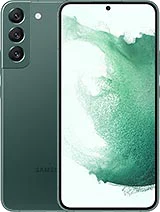 Galaxy S22+from € 99
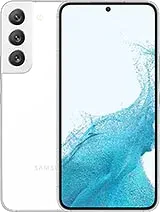 Galaxy S22from € 99
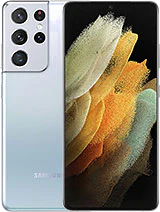 Galaxy S21 Ultrafrom € 99
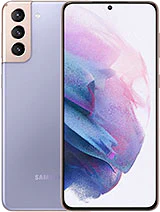 Galaxy S21+from € 99
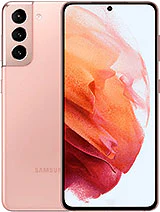 Galaxy S21from € 99
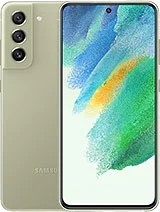 Galaxy S21 FEfrom € 99
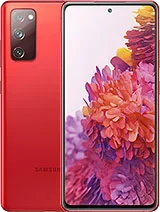 Galaxy S20 FEfrom € 99
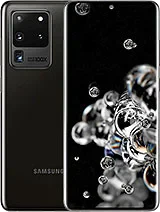 Galaxy S20 Ultrafrom € 99
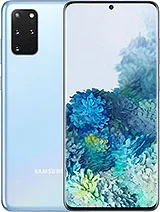 Galaxy S20+from € 99
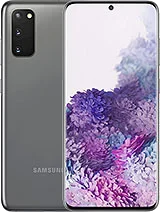 Galaxy S20from € 99
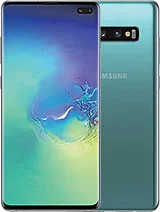 Galaxy S10+from € 99
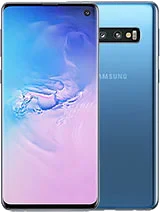 Galaxy S10from € 99
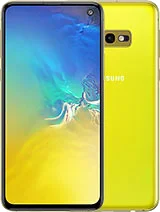 Galaxy S10efrom € 99
Does this sound familiar?
- Your Samsung doesn't charge anymore, with any cable
- Charging works, but is noticeably slow
- The cable no longer clicks firmly into the port
- Charging only starts when you hold the cable at a certain angle
- The device sometimes charges and sometimes doesn't, for no clear reason
- You see dust or lint in the charging port
What you can try yourself first
Check the cable and adapter
Try a different cable and charger that you know work. This rules out the problem being there.
Check the port for lint or dust
Hold the device up to the light. Do you see dust or lint in the charging port? Blow into it gently, but don't use sharp objects.
Restart your device
Sometimes a temporary software issue blocks charging. A restart resolves that.
How FIXNOW handles it
Diagnosis
We first find out where the problem lies: in the port itself, in the cable or adapter, or in the software. Only then do we discuss the price with you.
Repair
If the USB-C port is faulty, we replace the charging board: the separate component on which the charging connector sits on many Galaxy models. We tackle lint or damaged pins in a targeted way.
Testing
After the repair, we test whether charging runs smoothly and stably again, with more than one cable. Only then do you get your Samsung back.
Why not every Samsung gets the same repair
All recent Galaxy models charge via USB-C, but on many models the charging board is a separate component. That's why we check per device exactly which part needs replacing. This way we repair in a targeted way, and the rest of your Samsung stays untouched.
Frequently asked questions
How long will I be without my Samsung?
Often your device is ready while you wait. During the diagnosis, you immediately hear how much time we need, so you can plan around it.
Is it always the charging port itself, or could it be the cable?
Not always. A worn cable or adapter often causes the same complaints, and sometimes the problem is in the software. That's why FIXNOW first looks at the cause before replacing anything.
Will my device work like before after the repair?
That's what we aim for. After the repair, we test whether charging runs smoothly and stably again, before you get the device back.
My battery is almost empty and charging doesn't work anymore. Can I still come by?
Yes, feel free to stop by or get in touch first. Then we'll look together at what's possible with the charge that's left.
Why does my Samsung sometimes charge and sometimes not, with the same cable?
That often points to lint or damaged pins in the port, causing the contact to be inconsistent. A diagnosis quickly reveals the cause.
Can I go to both Antwerp and Wolvertem?
Yes. At both FIXNOW locations, we repair the charging port on Samsung devices.
Our stores

FIXNOW Antwerpen
Wiegstraat 13, 2000 Antwerpen
Today: 10:00–18:00
+32 469 44 22 19

FIXNOW Wolvertem
Wilgenlaan 19 bus 2, 1861 Wolvertem
Today: Closed
+32 472 29 15 53