
Google Pixel water damage repair
Your Pixel fell into water or you spilled coffee on it. You turn it off, it starts up again fine later, and you think: problem solved. That’s exactly where it goes wrong.
Moisture is drawn to the circuit board and attacks the contacts and solder points there, even if the screen still lights up normally. That corrosion keeps working, sometimes only showing up days later. The longer you wait, the less there is to save.
Choose your model
 Pixel 11 Pro Foldfrom €79
 Pixel 11 Pro XLfrom €79
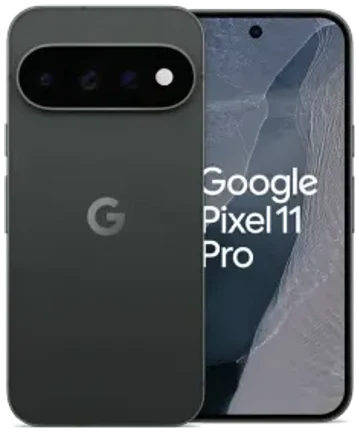 Pixel 11 Profrom €79
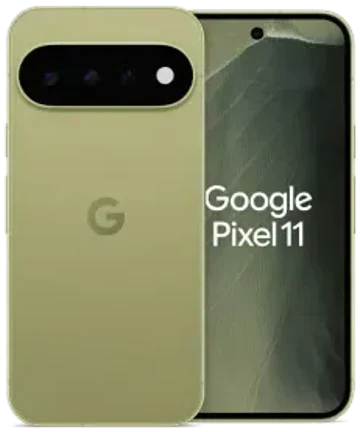 Pixel 11from €79
 Pixel 10 Pro Foldfrom €79
 Pixel 10 Pro XLfrom €79
 Pixel 10 Profrom €79
 Pixel 10from €79
 Pixel 10afrom €79
 Pixel 9 Pro Foldfrom €79
 Pixel 9 Pro XLfrom €79
 Pixel 9 Profrom €79
 Pixel 9from €79
 Pixel 9afrom €79
 Pixel 8 Profrom €79
 Pixel 8afrom €79
 Pixel 8from €79
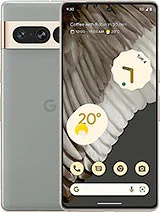 Pixel 7 Profrom €79
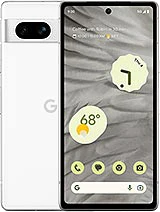 Pixel 7afrom €79
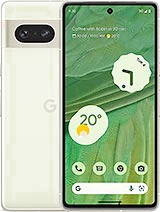 Pixel 7from €79
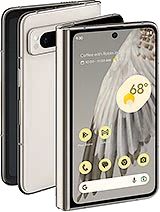 Pixel Foldfrom €79
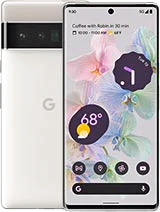 Pixel 6 Profrom €79
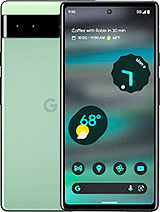 Pixel 6afrom €79
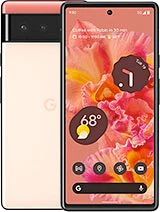 Pixel 6from €79
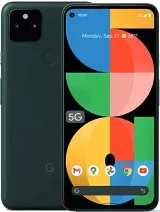 Pixel 5a (2021)from €79
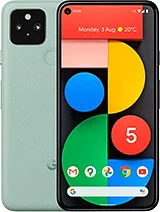 Pixel 5 (2020)from €79
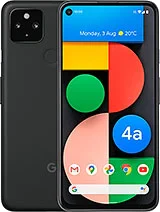 Pixel 4a 5G (2020)from €79
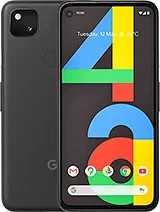 Pixel 4a (2020)from €79
 Pixel 4 XL (2019)from €79
 Pixel 4 (2019)from €79
Recognize this? Check for yourself
Watch for these signs after contact with water
- Device won’t start up anymore, or restarts on its own
- Screen shows spots or streaks, or responds to touches you didn’t make
- Speaker or microphone sounds muffled or distorted
- Charging no longer works, or is very slow
- Device gets warm while you’re not using it
None of these symptoms? Then you’re not in the clear yet. Some Pixel models are splash-resistant, but that protection applies to a new device. After a drop, a previous opening, or simply wear on the seals, the housing no longer seals as well. The type of water also matters: tap water is the least harmful. Seawater, pool water and sugary drinks leave salt or sugar behind, which speeds up corrosion.
How we work

Function test
We test the screen, touch, cameras, microphones, speakers and charging. That tells us where to start.
Disconnecting the battery
As long as there’s power on the circuit board, the damage keeps increasing. We stop that first.
Inspection under the microscope
We remove the logic board and look for green, white or black residue around connectors and solder points.
Ultrasonic cleaning
We use isopropyl alcohol and an ultrasonic bath to get the contacts clean again.
Measuring with a regulated power supply
This shows us whether the board is drawing too much current anywhere, meaning a short circuit, even in spots you can’t see.
Advice after the measurement
Only then do we say what can be saved: sometimes just the screen or the battery, sometimes part of the logic board.

We almost always replace a battery that has been wet, even if it still works. You get a warranty on replaced parts. Not on the cleaning of the logic board itself: moisture can leave traces that only surface later, and we’d rather not promise you that.
What you should and shouldn’t do yourself
This makes the damage worse
- Don’t charge it and don’t keep trying to see if it still works: every attempt can cause a short circuit
- No hair dryer or other heat source: heat drives the moisture in deeper
- No rice: it doesn’t dry the inside and leaves dust behind in the ports
- Battery swelling up? Stop using the device, that’s a fire hazard
What does help: turn the Pixel off and leave it off. Remove the SIM tray and pat the device dry with a cloth. Then come by soon in Antwerp or Wolvertem, or mail in your device if coming by isn’t possible.
Choose your model
Water damage differs case by case. Sometimes cleaning is enough, sometimes a new screen or a new battery is also needed, and every Pixel model is built differently. So we first look at what’s going on and then agree on a fixed price per model. Choose your Pixel above and book an appointment: the sooner your device is on the workbench, the more we can save.
Frequently asked questions
Most smartphone repairs are ready within 60 minutes. For MacBooks, tablets and motherboard repairs the duration depends on the repair; the indicative time is shown next to the price of each repair. You can wait in the store or pick up your device later — we’ll let you know as soon as it’s ready.
Our stores


FIXNOW Wolvertem
Wilgenlaan 19 bus 2, 1861 Wolvertem
Opening hours
+32 472 29 15 53