
MacBook charging port replacement
Your MacBook no longer charges, the MagSafe cable won't click into place, or the USB-C port wobbles as soon as you touch the cable. Annoying, since your work grinds to a halt without power. Yet it's often not as bad as it looks: the battery usually isn't the problem, the port itself is.
At FIXNOW we first take a calm look at what's going on before we replace anything. You'll find us in Antwerp and Wolvertem. We replace charging ports on MacBook Air and MacBook Pro, from older Intel models to the latest generation with Apple Silicon.
Choose your model
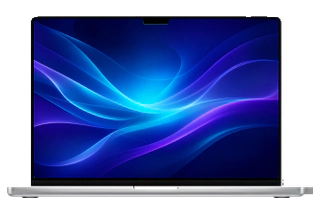 MacBook Pro 16" M5 Profrom € 149
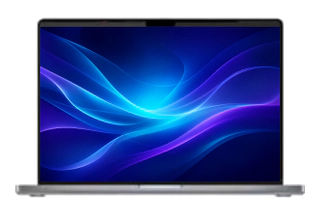 MacBook Pro 14" M5from € 149
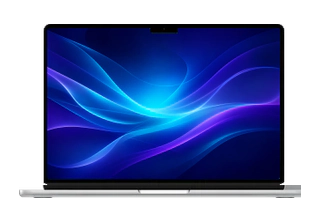 MacBook Air 13" M5from € 149
 MacBook Pro 16" M5 Maxfrom € 149
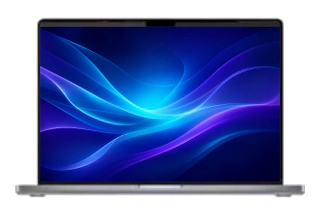 MacBook Pro 14" M5 Profrom € 149
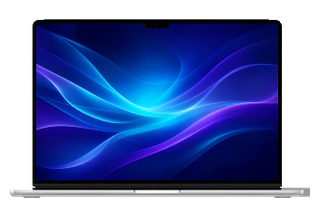 MacBook Air 15" M5from € 149
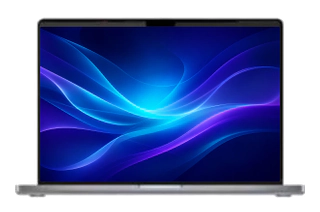 MacBook Pro 14" M5 Maxfrom € 149
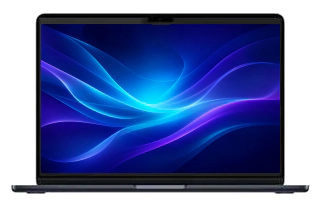 MacBook Air 15" M4 (2025)from € 149
 MacBook Air 13" M4 (2025)from € 149
 MacBook Air 15" M3 (2024)from € 149
 MacBook Air 13" M3 (2024)from € 149
 MacBook Air 15" M2 (2023)from € 149
 MacBook Air 13" M2 (2022)from € 149
 MacBook Air 13" M1 (2020)from € 149
 MacBook Air 13" (2020 Intel)from € 149
 MacBook Air 13" (2019)from € 149
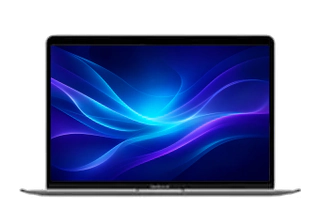 MacBook Air 13" (2018)from € 149
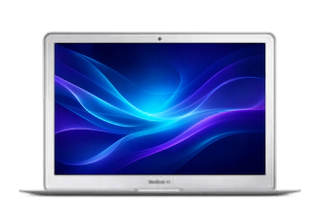 MacBook Air 13" (2017)from € 149
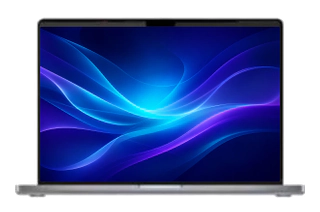 MacBook Pro 14" M4 Max (2024)from € 149
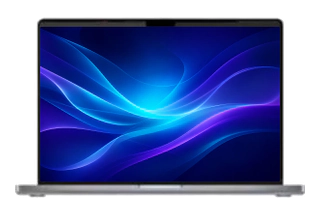 MacBook Pro 14" M4 Pro (2024)from € 149
 MacBook Pro 14" M4 (2024)from € 149
 MacBook Pro 14" M3 Pro (2023)from € 149
 MacBook Pro 14" M3 (2023)from € 149
 MacBook Pro 14" M2 Pro (2023)from € 149
 MacBook Pro 16" M4 Max (2024)from € 149
 MacBook Pro 14" M1 Pro (2021)from € 149
 MacBook Pro 16" M4 Pro (2024)from € 149
 MacBook Pro 16" M3 Max (2023)from € 149
 MacBook Pro 16" M3 Pro (2023)from € 149
 MacBook Pro 16" M2 Max (2023)from € 149
 MacBook Pro 16" M2 Pro (2023)from € 149
 MacBook Pro 16" M1 Max (2021)from € 149
 MacBook Pro 13" M2 (2022)from € 149
 MacBook Pro 16" M1 Pro (2021)from € 149
 MacBook Pro 13" M1 (2020)from € 149
 MacBook Pro 16" (2019)from € 149
 MacBook Pro 13" (2020 Intel)from € 149
 MacBook Pro 13" (2019)from € 149
 MacBook Pro 13" (2018)from € 149
 MacBook Pro 13" (2017)from € 149
 MacBook Pro 15" (2019)from € 149
 MacBook Pro 15" (2018)from € 149
 MacBook Pro 15" (2017)from € 149
Does this sound familiar?
- Your MacBook no longer charges with any cable
- The MagSafe connector won't click into place or keeps falling off
- You have to hold the USB-C cable at a specific angle to get power
- Charging stops as soon as you move the cable or the laptop slightly
- No charging indicator appears when you plug in the cable
- The port feels loose or wobbly when you insert the plug
What you can try yourself first
Test a different adapter and cable
Often it's not the port but the charger or the cable. Try a different one, or borrow one for a moment.
Look inside the port
Shine a light into the port. It often contains dust or lint that stops the connector from making good contact.
Try a different power outlet
It sounds simple, but sometimes it's the outlet, not your MacBook. Test it in another spot.
How FIXNOW handles it
Diagnosis
We first rule out the adapter, cable, and power outlet, and check whether the problem really is in the port. Then we discuss the price; you'll find it per model on this page.
Repair
The MacBook Pro 14" and 16" (2021 and newer) and the MacBook Air from M2 onwards charge via MagSafe 3, while the MacBook Pro 13" (Intel, M1 and M2) and many Intel models charge via USB-C or Thunderbolt. USB-C ports often sit on a separate port board, apart from the logic board. That's exactly what makes them easy to replace.
Testing
After the replacement, we test charging with multiple cables and check that the charge stays stable, even when you move the cable slightly.
MagSafe or USB-C: what does your MacBook have?
Not every MacBook charges the same way. The MacBook Pro 14" and 16" (2021 and newer) and the MacBook Air from M2 onwards use MagSafe 3, the magnetic connector that releases on its own if you pull the cable. The MacBook Pro 13" (including M1 and M2), the MacBook Air from 2018 up to M1 and many Intel MacBooks charge via USB-C or Thunderbolt, the same port you also use for accessories. Not sure which port your model has? No worries, we'll determine that during the diagnosis.
Frequently asked questions
Could it be the battery instead of the port?
It's possible, which is why we take a careful look before replacing anything. If your MacBook won't charge with any cable or adapter, that usually points to the port.
Can I keep working with a wobbly USB-C port?
For a while, yes, but don't wait too long. A loose port can develop further damage and, over time, damage your cable or adapter as well.
Will my own charger still work after the repair?
Yes. After the port is replaced, you simply use your own charger and cable again. We test that before you get your MacBook back.
Do I need to bring in my MacBook, or can I mail it in?
You're welcome in Antwerp and Wolvertem. Prefer to mail it in? Just get in touch, and we'll arrange how to handle it.
Will I lose my files during this repair?
No. Replacing the charging port has nothing to do with your storage; your files and settings remain exactly as they are.
Our stores

FIXNOW Antwerpen
Wiegstraat 13, 2000 Antwerpen
Today: 10:00–18:00
+32 469 44 22 19

FIXNOW Wolvertem
Wilgenlaan 19 bus 2, 1861 Wolvertem
Today: 10:00–19:00
+32 472 29 15 53