iPad won’t start up anymore? Here’s how to find the cause
Written by Pavel MaksymenkoLast updated: 10 July 2026Reading time: 3 min

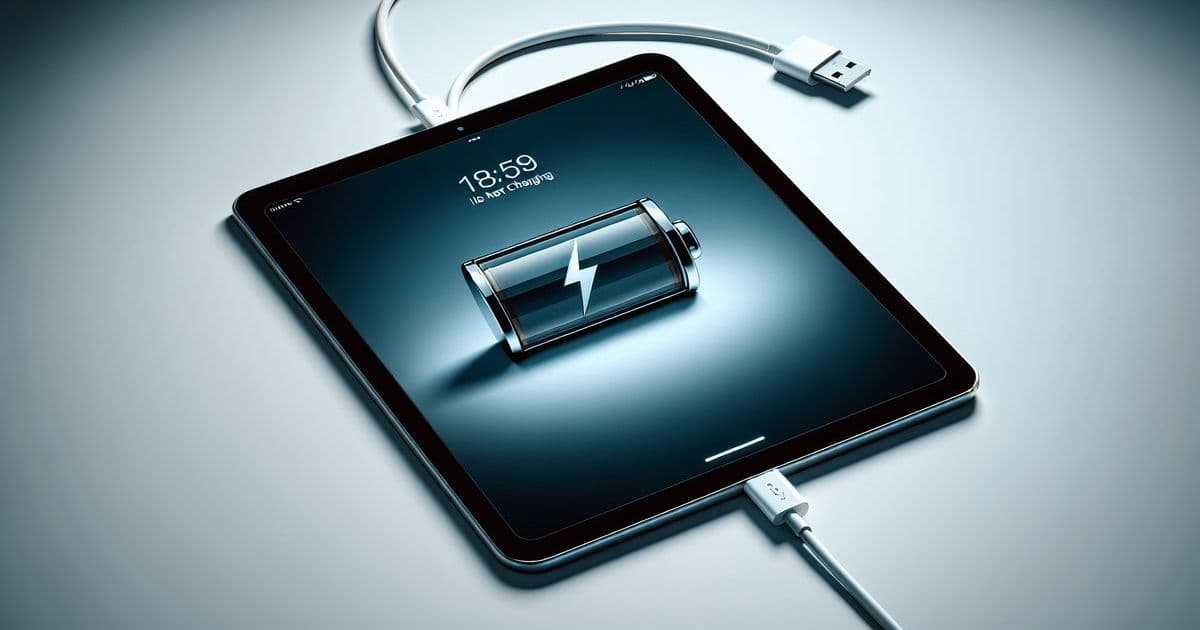
Does your iPad stay black no matter how long you charge it? Frustrating, especially when you need the device right away. There’s usually a clear cause behind it, and it can often be fixed.
What’s usually going on
An iPad that won’t start up almost always comes down to one of these four things.
- Battery. The most common cause. A dead or worn battery only makes the iPad respond after a long charge, or not at all.
- Software. The operating system gets stuck during startup. You recognize this by an iPad that stays stuck on the Apple logo.
- Hardware. A faulty charging port, a damaged logic board or another internal component is blocking startup.
- Overheating. An iPad that’s too hot switches itself off and doesn’t start up again right away.
Was the iPad completely dead shortly before? That usually points to the battery.
What you can try yourself
- Charge with a cable and adapter you know work, and give it time. A deeply drained battery sometimes needs a while before the screen responds.
- Force a restart. iPad without a home button: press Volume Up briefly, press Volume Down briefly, then hold the power button until the Apple logo appears. iPad with a home button: hold the home button and the power button together.
- Check the cable and the charging port. Visible damage or dirt in the port can already block charging.
Does the screen stay black afterwards, or does the iPad keep getting stuck? Then the next step is a diagnosis by someone who looks beyond the surface.
When to come to FIXNOW
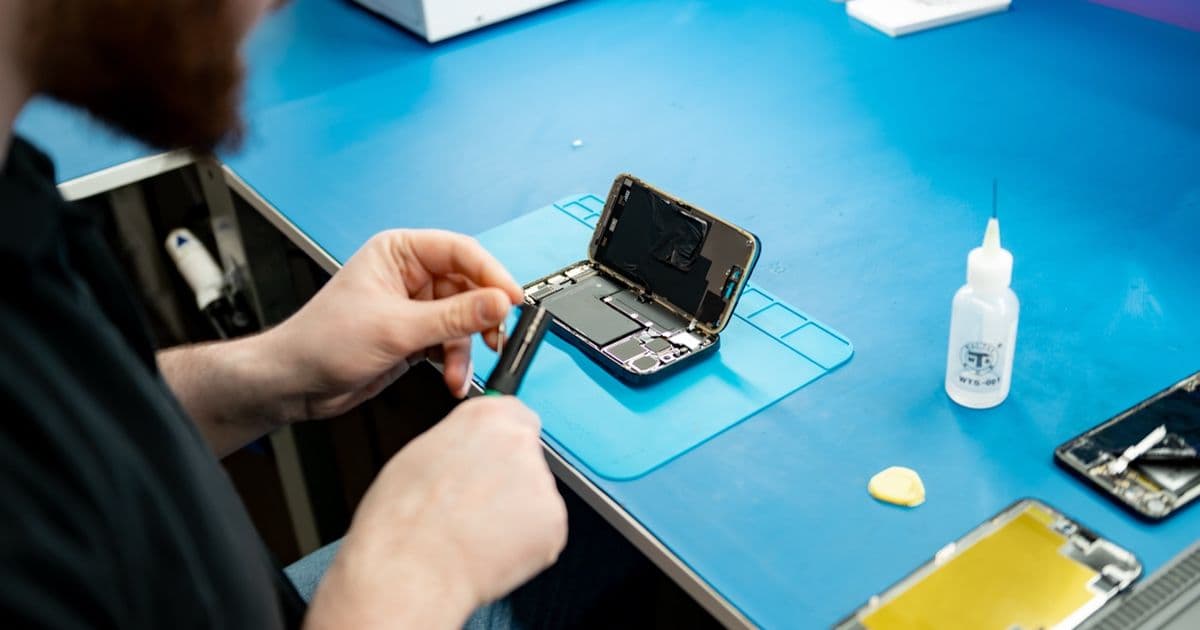
If your iPad still doesn’t respond after these steps, we’ll find out the cause. We examine the device, test the battery and run diagnostic tests for hardware and software. We also check for overheating. Afterwards we discuss together what the best solution is: a new battery, a software recovery or replacing a faulty component. Most repairs have a fixed price per model, so you know where you stand in advance.
Check out all our iPad repairs for an overview per model.
iPad won’t turn on after a dead battery: what now?
Charge with a cable and adapter you know work and give it some time. A deeply drained battery sometimes only responds after a while. If the screen stays black afterwards, the battery is often worn or faulty. A new battery solves this in most cases.
iPad doesn’t respond to anything: what can you do?
First try a forced restart, as described above. If nothing changes, the cause lies with the battery, the software or the hardware. At FIXNOW, we find that out for you with a diagnosis.
iPad stuck on the Apple logo: is that software?
Usually, but not always. It can also be due to hardware. A forced restart is the first step. If that doesn’t help, we determine at FIXNOW with a diagnosis whether it’s software or hardware.
An iPad that won’t start up is almost never the end of the story right away. Come by in Antwerp or Wolvertem, and you’ll have clarity quickly.
Not nearby? Send in your device
Choose a FIXNOW shipping label, with extra protection if you want, or send it yourself with track & trace. You only pay after the repair. Available from Belgium, the Netherlands, France, Germany and Luxembourg.

Written by
Pavel Maksymenko · Owner of FIXNOW
Pavel Maksymenko is the owner of FIXNOW, with shops in Antwerp and Wolvertem. Trained as an electronics and ICT engineer, he has more than 15 years of experience repairing electronics. On this blog he writes about what the team sees every day in the workshop while repairing smartphones, tablets and laptops.
See our tips more often on Google?
Add FIXNOW to your preferred sources to see more of our articles in Google Search.