MacBook water damage: what to do right away and how FIXNOW fixes it
Written by Pavel MaksymenkoLast updated: 10 July 2026Reading time: 4 min
Spilled liquid on your MacBook? The first few minutes decide whether it stays a scare or turns into a real repair. Water, coffee or soda quickly seeps into the logic board, and the minerals and sugars in it keep causing corrosion — even if the device still seems to work fine.
What to do right now
- Turn off the MacBook: hold the power button until the screen goes black.
- Unplug the charger and any cables.
- Lay the device flat on an absorbent cloth, with the screen half open. Don’t tilt it or press the keys — that way the liquid doesn’t spread further into cables and connectors.
- Note what was spilled and where. That makes diagnosis afterwards easier.
- Leave the device off and don’t plug anything in again. Every second under power increases the risk of a short circuit.
What you’d better not do
A hairdryer or radiator may seem logical, but heat speeds up corrosion and pushes moisture deeper into the layers. Rice doesn’t help either: at most it draws a bit of moisture from the air, not from under the chips. Shaking the device or turning it upside down spreads liquid to spots that were still dry. And turning it back on to test is the biggest pitfall: switching it on once can activate corrosion that would otherwise have stayed limited.
How to recognize water damage
Not every MacBook shows problems right away. Watch for the following in the days after:
- keys that don’t respond or trigger on their own
- a fan that suddenly spins up loudly
- a screen that flickers or shows dull patches
- USB ports that drop out or only come back after a restart
- odd battery behavior, such as sudden drops or no longer charging
- strange sounds at startup or unexplained crashes
Symptoms sometimes only appear after a few days, while the corrosion keeps spreading. Suspect moisture inside? Then don’t wait it out.
How we handle it
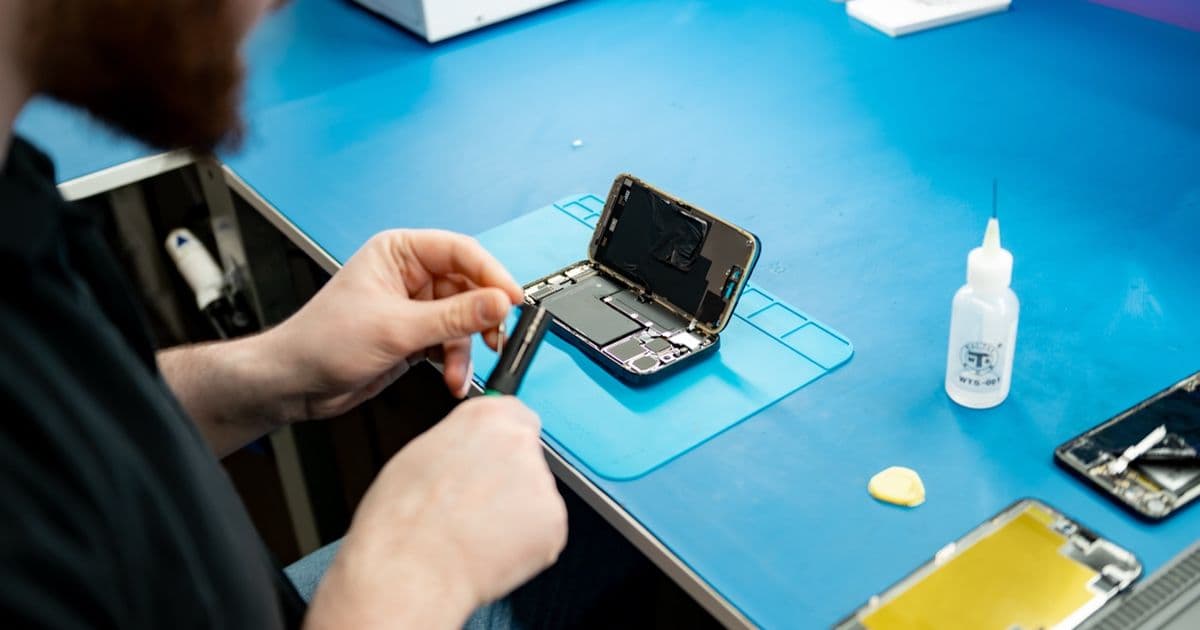
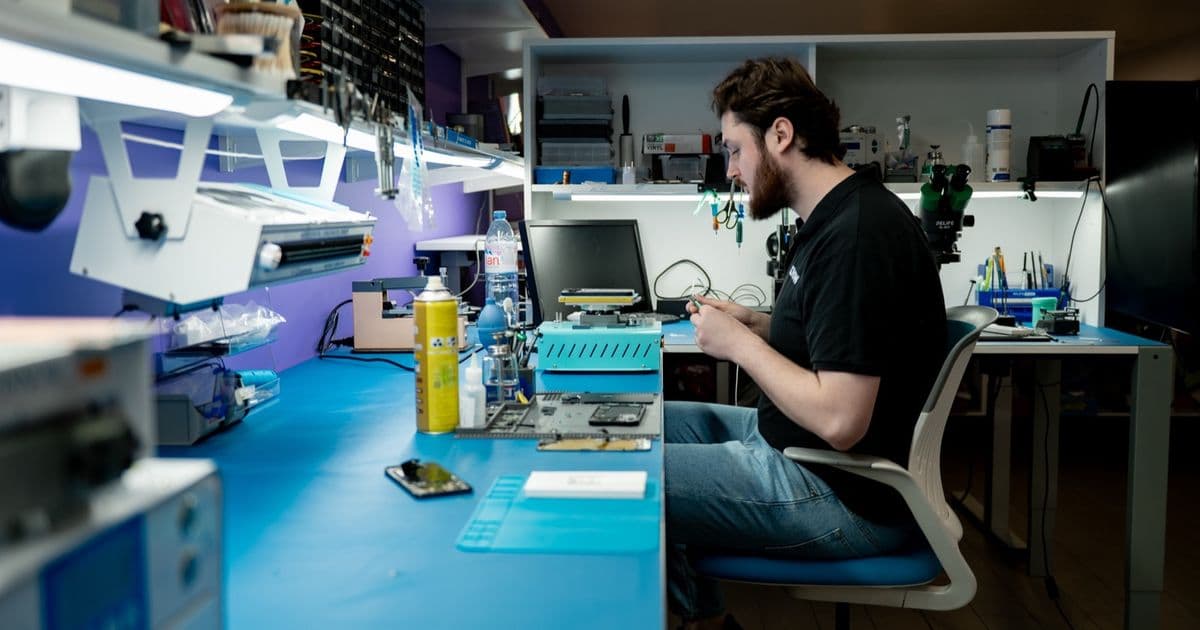
As soon as your device comes in, we make it power-safe: battery and power supply disconnected. Then we inspect the circuit boards and connectors under a microscope and remove residue in an ultrasonic bath. After rinsing, we let everything dry without heat, so no moisture is left behind around screw holes or connectors. Finally, we test power lines, sensors and charging paths and repair damaged parts where possible at board level — often a smarter move than replacing the entire logic board straight away. You pay a fixed price per model, so you know where you stand in advance.
FIXNOW repairs liquid damage in Antwerp and Wolvertem. Can’t come by? Then you can mail in the device.
Does rice help, or is just letting it dry enough?
No. Rice draws away at most some surface moisture and doesn’t reach anything under the chips or in the connectors. The minerals, sugars and salts keep working in the meantime, even if the outside feels dry. Only a thorough cleaning — with us, ultrasonic cleaning — actually removes that residue.
Can my MacBook still be saved?
In many cases, yes, especially if you turn the device off quickly and don’t try to switch it back on. How much needs repairing depends on how far the corrosion has spread: sometimes cleaning is enough, sometimes board-level repair is needed. You’ll get a clear price indication for your model in advance.
Which liquid does the most damage?
Plain water is the mildest. Coffee, soda and juice leave sticky residue that speeds up short circuits. Tap water mainly causes oxidation because of the minerals in it. Seawater is the most aggressive because of the salt — bring that device in as soon as possible.
Still unsure? Lay the MacBook down flat, keep it off and book an appointment. The sooner we take a look, the more we can save.
Not nearby? Send in your device
Choose a FIXNOW shipping label, with extra protection if you want, or send it yourself with track & trace. You only pay after the repair. Available from Belgium, the Netherlands, France, Germany and Luxembourg.

Written by
Pavel Maksymenko · Owner of FIXNOW
Pavel Maksymenko is the owner of FIXNOW, with shops in Antwerp and Wolvertem. Trained as an electronics and ICT engineer, he has more than 15 years of experience repairing electronics. On this blog he writes about what the team sees every day in the workshop while repairing smartphones, tablets and laptops.
See our tips more often on Google?
Add FIXNOW to your preferred sources to see more of our articles in Google Search.