Pairing your Apple Watch with your new iPhone: here’s how
Written by Pavel MaksymenkoLast updated: 10 July 2026Reading time: 3 min
You have a new iPhone and your Apple Watch just needs to join in again. Below you’ll find how to move the pairing over without losing data, and what to do if it doesn’t work right away.
Why the pairing sometimes fails
Usually it comes down to one of these three things:
- No backup made before you unpaired the Apple Watch from the old iPhone.
- Bluetooth is off on the new iPhone, so the Watch app can’t find a connection.
- The Watch is still paired to the old device, while you’re already trying to pair it with the new one.
There’s a solution for all three, and you’ll rarely need to leave the house for it.
What you can try yourself
- First back up your old iPhone, via iCloud or iTunes. Under Settings → [your name] → iCloud, turn on Health sync. Using iTunes instead? Encrypt the backup with a password, otherwise your health data won’t come along.
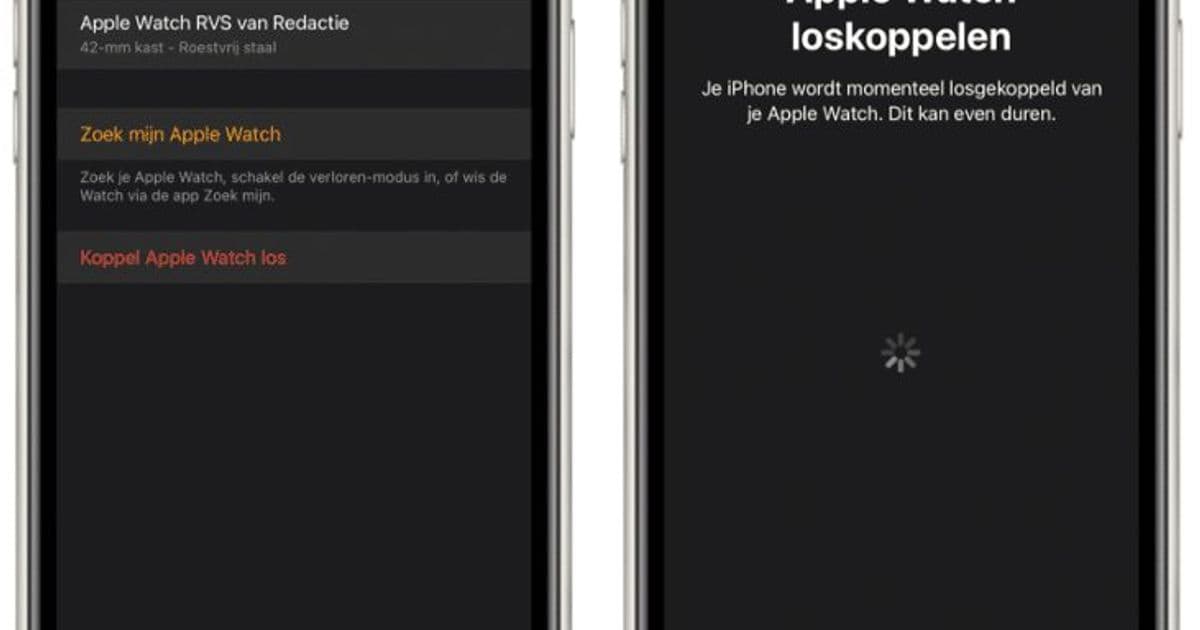
- Unpair the Apple Watch from the old iPhone: open the Watch app, tap 'My Watch', then 'Unpair Apple Watch' and confirm with 'Unpair'.
- Restart the Watch: turn it off and hold the side button until the Apple logo appears.
- Pair it with the new iPhone: open the Watch app, tap 'Start Pairing' and follow the steps. When restoring, choose the backup you just made, so all your data comes along.
- Was the new iPhone already set up before you unpaired the Watch? Then check that Bluetooth is on (Settings → Bluetooth), start a new pairing in the Watch app and follow the pairing code on the screen.
- Still not working? Restart both devices again and try once more. If it still doesn’t work, contacting Apple is the next step.
When it’s the device itself
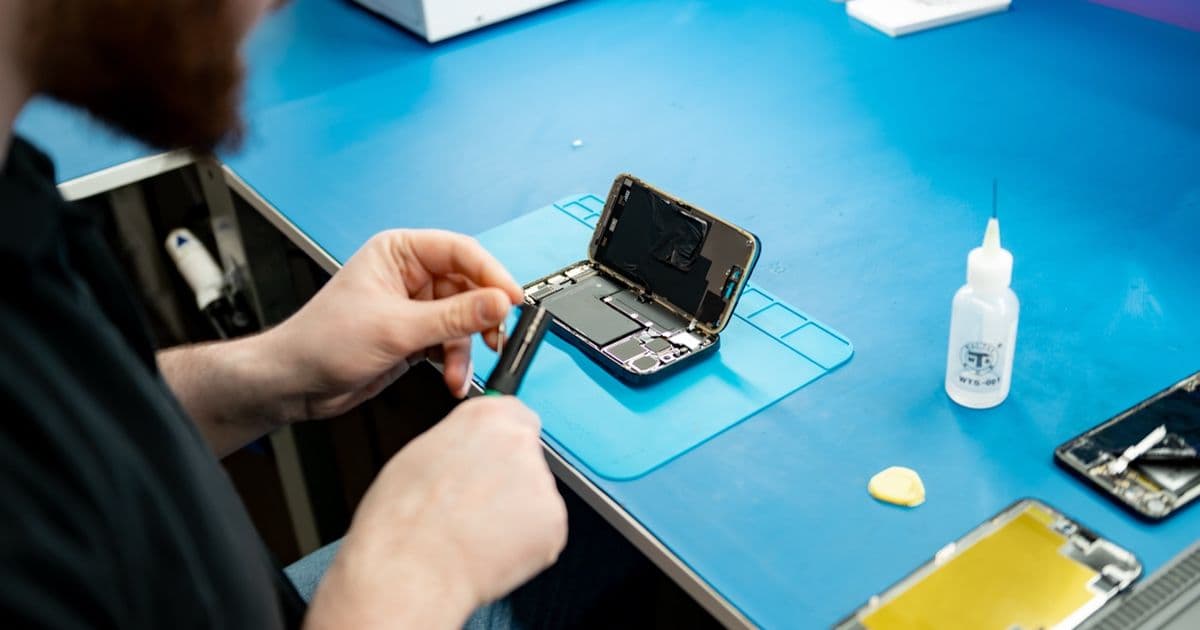
Sometimes it isn’t a settings issue. A cracked Apple Watch screen, a battery that no longer charges, or an iPhone that no longer responds: then nothing will pair. In that case, FIXNOW can take a look. For most repairs we work with a fixed price per model, so you know what to expect upfront. You can bring your device to Antwerp or Wolvertem, or mail it in if the store isn’t on your route.
Can you pair the Apple Watch without the old iPhone?
Yes, but then you can no longer make a new backup. First erase the Watch itself via Settings → General → Reset → 'Erase All Content and Settings'. Then pair the Watch as a new device with your new iPhone. Restoring data only works if an older backup still exists.
Do you lose data when transferring?
Not if you back up beforehand. Make sure iCloud sync for Health is on, or encrypt your iTunes backup, and choose 'Restore from Backup' during pairing. If you pair the Watch without a backup, it starts empty.
The pairing code doesn’t appear on your iPhone. Now what?
Check that both devices are sufficiently charged and close to each other. Fully close the Watch app and reopen it. If that doesn’t help, restart the Apple Watch first and then the iPhone, and start pairing again.
With a backup and the right order, you can simply transfer your Apple Watch to your new iPhone. If it’s a broken screen or a battery that no longer charges, FIXNOW is here to help — in Antwerp, in Wolvertem or by mail-in.
Not nearby? Send in your device
Choose a FIXNOW shipping label, with extra protection if you want, or send it yourself with track & trace. You only pay after the repair. Available from Belgium, the Netherlands, France, Germany and Luxembourg.

Written by
Pavel Maksymenko · Owner of FIXNOW
Pavel Maksymenko is the owner of FIXNOW, with shops in Antwerp and Wolvertem. Trained as an electronics and ICT engineer, he has more than 15 years of experience repairing electronics. On this blog he writes about what the team sees every day in the workshop while repairing smartphones, tablets and laptops.
See our tips more often on Google?
Add FIXNOW to your preferred sources to see more of our articles in Google Search.