iPad stuck on the Apple logo: what can you do?
Written by Pavel MaksymenkoLast updated: 10 July 2026Reading time: 3 min

Your iPad shows the Apple logo and doesn’t get any further, or the logo appears and disappears over and over. Frustrating, especially with photos or documents on it that you need. Often you can fix this yourself, without losing anything.
What’s usually behind it
Getting stuck on the Apple logo usually has one of these causes:
- An update that stalled halfway or got corrupted.
- A battery that’s too low or too weak to complete the startup.
- Corrupted files or an app that’s blocking startup.
- A faulty component.
You can check the first three yourself. For a hardware fault, you’ll need help.
What you can try yourself
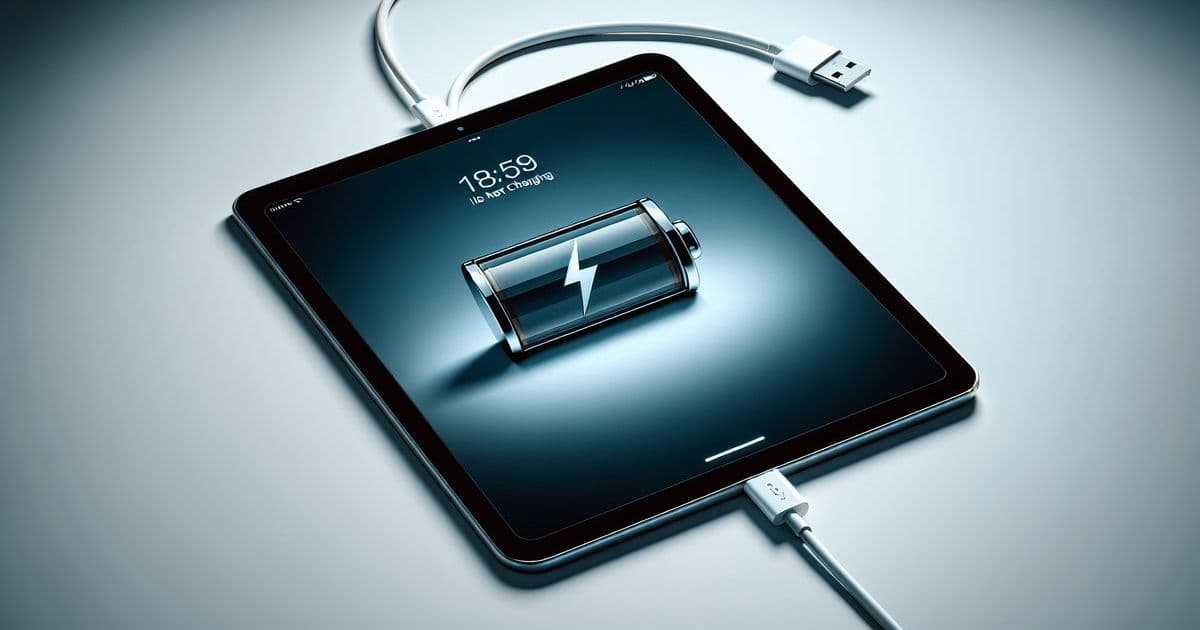
- Put the iPad on the charger. Wait a few minutes. If no battery icon appears, try a different cable or adapter. Sometimes the problem lies there, not with the iPad.
- Do a soft reset. If your iPad has a home button: hold the power button and the home button together until the Apple logo appears, then release. Without a home button, this works via the volume buttons and the power button. A soft reset is a forced restart; nothing gets lost.
- Update the software via a computer. Connect the iPad (Finder on recent macOS, iTunes on Windows or older macOS), wait until the device is recognized and choose to update. This also doesn’t erase any data.
If none of these steps help, the problem runs deeper than software.
When it’s better to come by
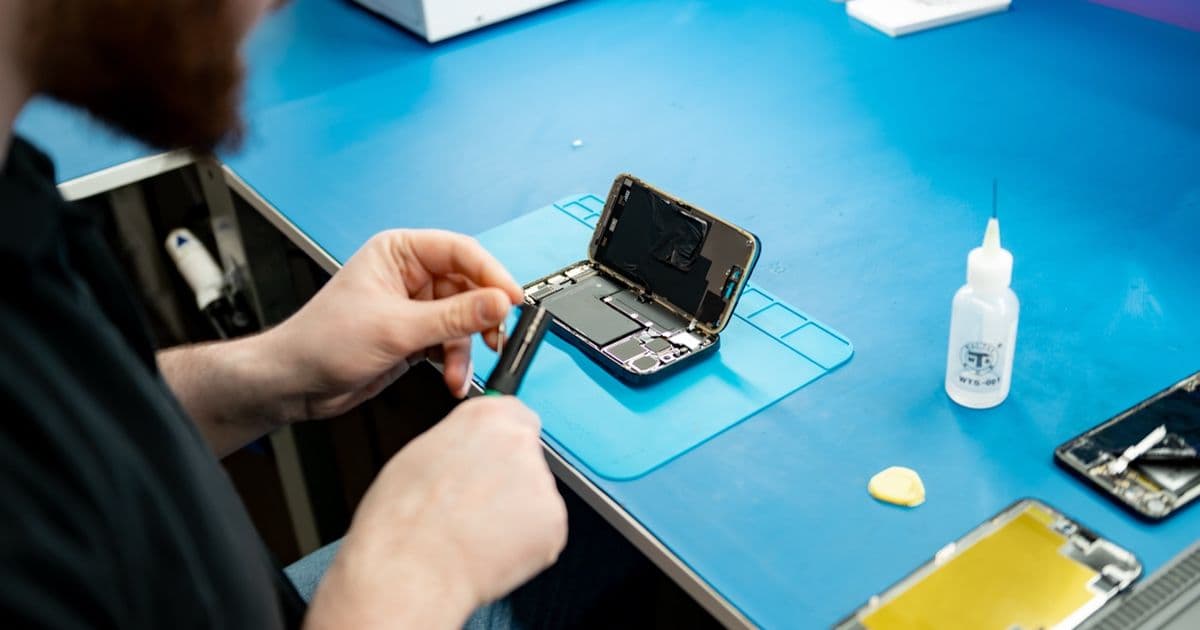
If the iPad keeps getting stuck on the logo after these steps, or keeps jumping back to the start, that often points to a hardware fault or badly damaged system files. Trying further yourself mainly increases the risk of data loss. At FIXNOW in Antwerp or Wolvertem, we find out exactly what’s wrong. You pay a fixed price per model, so you know where you stand in advance. If a visit doesn’t suit you, you can also mail in your iPad.
Frequently asked questions
My iPad won’t turn on at all. Is that the same problem? Not necessarily. An iPad with a black screen may simply be out of battery. First leave it on the charger for a while. If nothing happens after that, have the device checked.
The Apple logo keeps coming back and disappearing again. What does that mean? That’s a restart loop: the iPad tries to start up, fails and begins again. This is usually due to a stuck update or corrupted data. A soft reset or a software update via a computer often helps. If the loop keeps coming back, further diagnosis is needed.
Will I lose photos and data if I try this myself? A soft reset and a software update via a computer don’t erase anything. Only a full factory reset wipes the device. If you’re considering that step, make a backup first.
Usually your iPad gets going again with these steps. If it doesn’t work, you know where to find us.
Not nearby? Send in your device
Choose a FIXNOW shipping label, with extra protection if you want, or send it yourself with track & trace. You only pay after the repair. Available from Belgium, the Netherlands, France, Germany and Luxembourg.

Written by
Pavel Maksymenko · Owner of FIXNOW
Pavel Maksymenko is the owner of FIXNOW, with shops in Antwerp and Wolvertem. Trained as an electronics and ICT engineer, he has more than 15 years of experience repairing electronics. On this blog he writes about what the team sees every day in the workshop while repairing smartphones, tablets and laptops.
See our tips more often on Google?
Add FIXNOW to your preferred sources to see more of our articles in Google Search.